Search "merge PDF" and you get a hundred sites that will happily do it, for free, if you upload the file. The file is usually a contract, a payslip, a scanned passport, a signed agreement, or an invoice with a bank account on it — because those are the documents that come as PDFs and need merging.
What you're actually agreeing to
The document leaves your machine, lands on infrastructure you know nothing about, gets processed, and is "automatically deleted after one hour" according to a policy page you didn't read and couldn't verify if you had. That may well be true. It is also unfalsifiable from where you're standing.
The economics are worth sitting with for a second. These sites are free, and running file-processing infrastructure isn't. The revenue is advertising, upsell to a subscription, or lead generation. In every one of those models your document is the raw material that brought you there.
In a workplace this is usually a policy violation committed entirely casually — not by someone careless, but by someone who needed two PDFs joined at 5pm and whose alternative was a purchase request for a $180 licence.
The frameworks are already on the machine
The thing that makes the upload unnecessary on a Mac is that Apple ships the entire toolkit, and has for years:
- PDFKit — merge, split, reorder, rotate, extract text, stamp watermarks, and
apply owner/user passwords and permissions on write. Merging two PDFs is a loop over pages and an
insert(_:at:). - Image I/O and Core Image — format conversion, resizing, and real compression
control via
kCGImageDestinationLossyCompressionQuality, plus the whole filter stack for blur and pixelation. - Vision — face detection for auto-blurring people out of screenshots, text detection for finding redaction targets, barcode and document detection.
- Speech —
SFSpeechRecognizerwithrequiresOnDeviceRecognition = truegives you local transcription, no audio leaving the machine.
None of that needs a network call, an API key, or a subscription. The work in building a tool on top of it is almost entirely user interface; the capability is free and pre-installed.
Redaction is the one that actually bites people
This deserves its own warning, because it has embarrassed governments, law firms and newspapers repeatedly, and the failure mode is invisible until it isn't.
Drawing a black rectangle over text in a PDF does not remove the text. PDFs are layered: the annotation
you added sits on top, and the original text objects remain in the content stream underneath, fully
intact. Anyone can select through the box and copy, or run pdftotext, or open it in a tool
that ignores annotations. The information is right there.
Actual redaction means either removing the text objects from the content stream, or rasterising the page so there are no text objects left — only pixels. Both are real operations with real trade-offs (rasterising kills selectability and inflates file size for the whole page). If a tool offers "redaction" and doesn't tell you which of those it does, the safe assumption is the one that doesn't work.
The trap in image compression
"Compress image" is another operation that quietly loses information in ways the UI rarely explains.
- Lossy re-encoding stacks. Re-saving a JPEG at quality 0.6 doesn't replace the original artefacts, it adds to them. Run a photo through a compressor three times and you can see the blocking.
- Resizing usually beats quality reduction. If an image will be viewed at 1200px wide, scaling it to 1200px and keeping quality high produces a better result at a smaller size than keeping it at 4000px and crushing the quality.
- Format choice does more than the slider. Photographs belong in JPEG or HEIC; screenshots and anything with flat colour and sharp edges belong in PNG, where JPEG's ringing artefacts around text are painfully visible. A tool that applies one format policy to everything is making the wrong call half the time.
- Never overwrite the original silently. The compression is irreversible and the user's judgement about whether it was acceptable happens after the fact.
A reasonable default position
None of this is an argument that cloud document tools are illegitimate. They're often better, and for a shared workflow with real collaboration requirements, the trade is worth it.
It's narrower than that: for a one-off operation on a sensitive file, on a machine that already ships the frameworks to do it locally, the upload buys you nothing and costs you a copy of the document. That's a bad trade made millions of times a day purely because the local option is harder to find than the search result.
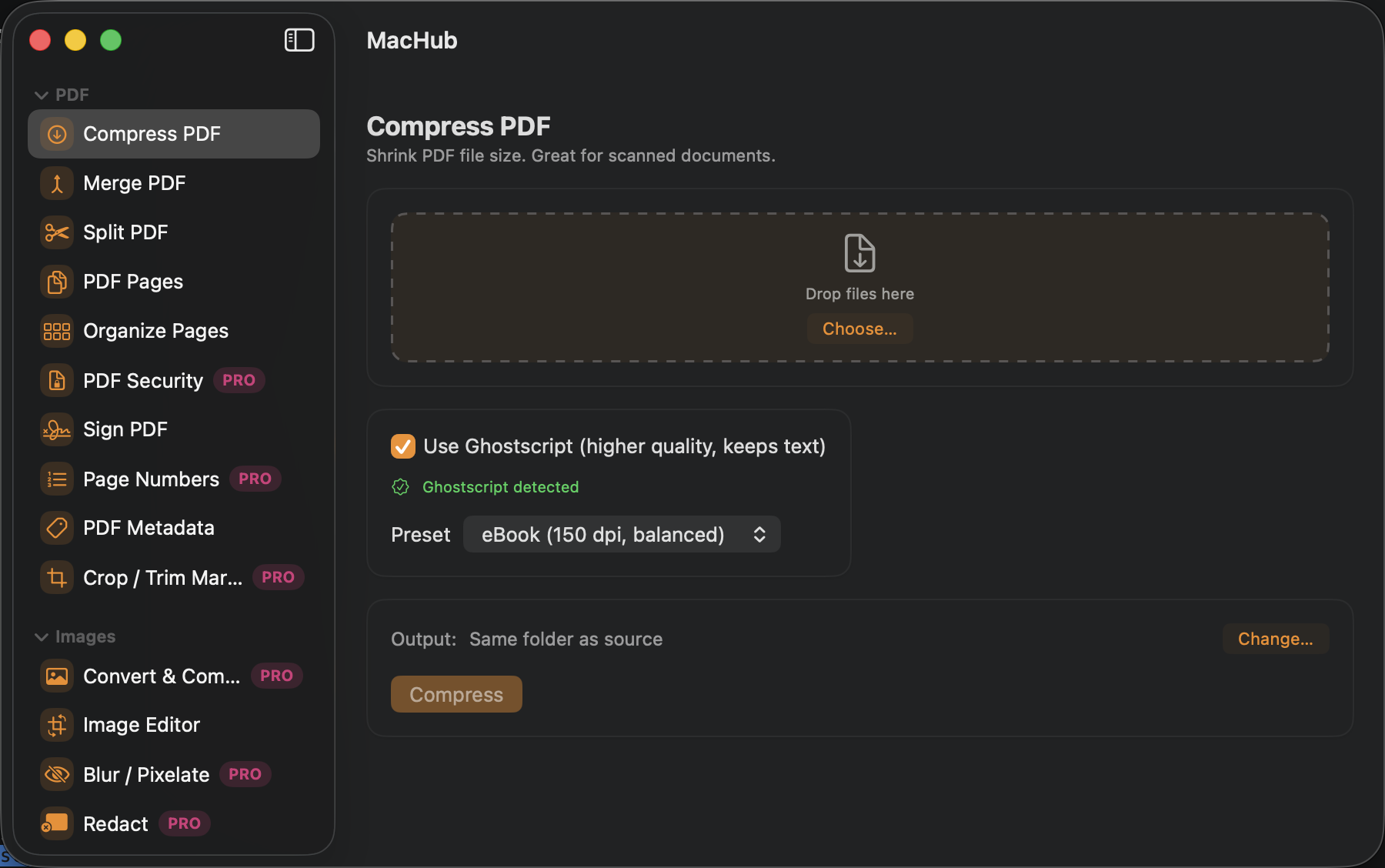
MacHub does PDF and image work locally — merge, split, convert, compress, redact, watermark, transcribe.
See MacHub →