"Find duplicate files" sounds like a solved problem right up until you ask what duplicate means. There are three common answers, they produce materially different results, and only one of them is safe to point at a home folder and then act on in bulk.
Three definitions, three risk profiles
Same name. IMG_0042.jpg exists in two folders, so one must be redundant.
This is fast and wrong constantly: camera and screenshot naming schemes collide across completely
unrelated exports, and index.js or README.md will match hundreds of times
across projects that share nothing.
Similar content. Perceptual hashing for images, fuzzy matching for text. This genuinely solves a real problem — finding the resized, re-encoded or slightly-cropped copy of a photo — and it's the right tool for cleaning a photo library by hand. It is a poor foundation for bulk deletion, because "similar" is a judgement call with a threshold, and thresholds applied to thousands of files at once is exactly how people lose the wrong copy.
Byte-identical. The two files contain the same bytes. Nothing to tune, nothing to judge. If you delete one, the surviving file is not merely a good substitute; it is the same content. This is the only definition that supports "select all and Trash" without requiring the user to review every pair.
Doing byte-identical efficiently
The naive implementation hashes every file and groups by digest. On a 500 GB home folder that means reading 500 GB, which is slow enough that people cancel the scan.
The standard optimisation is to exploit a free signal first: file size, which comes from
stat without opening the file at all. Two byte-identical files necessarily have identical
sizes, so any file with a size unique across the scan set cannot have a twin and can be discarded
immediately. On real filesystems this eliminates the large majority of candidates for essentially zero
I/O.
Only within each same-size group does hashing begin, and even then it can be staged: hash the first few kilobytes as a cheap discriminator, and compute the full digest only for files whose prefixes already match. The result is a scan that reads a small fraction of the data it's nominally examining.
The macOS-specific traps
This is where a generic dedupe algorithm meets a filesystem with opinions.
APFS clones. When you duplicate a file in Finder on APFS, or copy with
cp -c, the filesystem creates a second name pointing at the same physical blocks and only
diverges when one side is modified. The two files are byte-identical and both report their full size
— but together they occupy one file's worth of disk. A duplicate finder that sums the sizes of
everything it found and announces "reclaim 40 GB" can be wildly wrong. Deleting one clone frees close to
nothing.
Hard links. Same underlying inode, two directory entries. Again byte-identical by any content test, again zero space reclaimed by deleting one. Worth detecting and excluding, or at minimum labelling, rather than presenting as a win.
Package bundles. On macOS, .app, .photoslibrary,
.rtfd and friends look like single documents in Finder but are directories underneath. A
scanner that recurses blindly will find genuine byte-identical duplicates inside two
applications — shared framework resources, identical icons — and deleting them corrupts the
app. Bundles should be treated as opaque.
Managed libraries. Photos and Music keep their files under a database's control. Deleting a file out from under the library doesn't reclaim a duplicate; it creates a dangling reference that the app will complain about later, or silently repair by re-downloading.
What safe deletion actually requires
Assuming the matching is sound, the destructive half still needs care:
- A keep-strategy you can state in one sentence. "Keep the newest" or "keep the one with the shortest path" are both defensible and both predictable. "Keep one" without saying which is not a strategy.
- Preview before commit. Quick Look on the actual candidate, not a filename, because the moment a user sees the file they catch the exception the algorithm couldn't.
- Trash, not
unlink. The entire safety net for a bulk operation is that it's reversible for thirty seconds after you realise. - Honest space accounting. Report what you'd actually reclaim after accounting for clones and hard links, or don't report a number at all.
The uncomfortable conclusion
A duplicate finder that only matches byte-identical files will find fewer "duplicates" than one doing perceptual matching, and its reclaim estimate will be smaller than one that naively sums file sizes. Both of those are the tool being correct, and both look like the tool being worse in a feature comparison.
That's the trade to be aware of when you pick one. A bigger number on the scan results screen is easy to produce and tells you nothing about whether the deletion is safe.
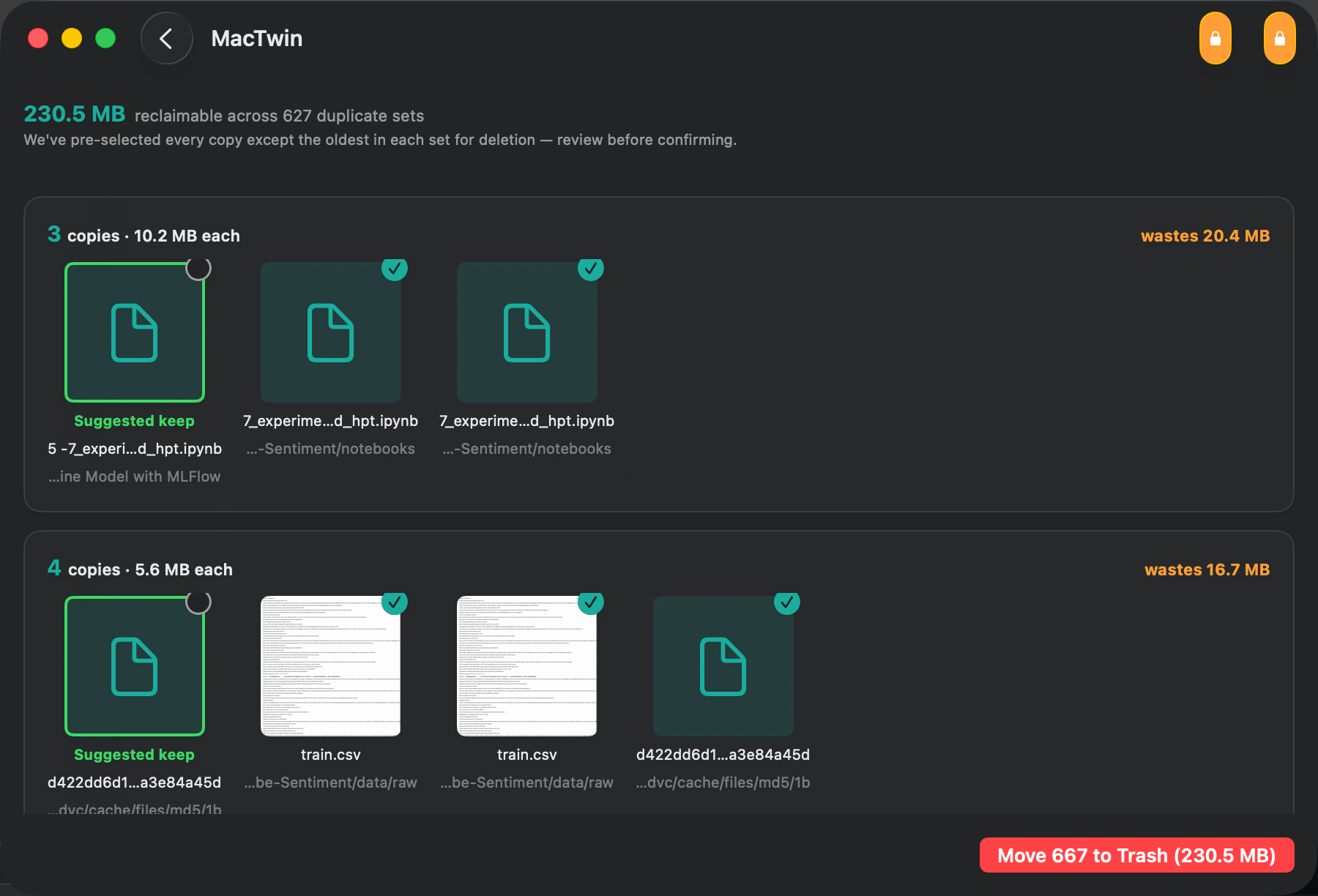
MacTwin matches on content only, previews with Quick Look, and moves duplicates to the Trash rather than deleting them.
See MacTwin →