MacTwin 1.3 — Free tier available now
Find the exact-byte duplicates eating your disk.
MacTwin scans Downloads, Pictures, Desktop, Documents, and Movies (or any custom folder in Pro) and groups files that are byte-for-byte identical — first by size, then a full streamed SHA-256 hash. Never by filename or "looks similar."
The core loop — scan, review with Quick Look thumbnails, move to Trash — is free, unlimited, forever. Nothing about deciding what to delete, or actually deleting it, is ever gated.
● Free, no account — macOS 13+, Apple Silicon & Intel.
Why MacTwin exists
Same-content files you meant to keep, just more than once
Two files only count as duplicates if their bytes match
Same size first (a free stat, no content read), then a full streamed SHA-256 for anything that survives that filter — computed concurrently across your CPU's cores.
See the actual thumbnail before you decide
Each duplicate set shows a Quick Look thumbnail — images, PDFs, videos, anything Quick Look renders — per copy, not just a filename and a path.
Every deletion is recoverable until you empty Trash
Duplicates go to Trash exactly like DiskSweeper's own model — nothing is ever permanently removed by a scan or a review, only by your own separate Empty Trash action.
The suggested keeper is picked for you, but never final
The oldest copy in each set (ties broken by shortest path) is pre-suggested as the keeper and every other copy is pre-checked for Trash — you confirm before anything moves.
What to expect
See what it does
Every feature, explained — click around
Pick folders, scan, review with real thumbnails, confirm — three tabs free, four behind MacTwin Pro.
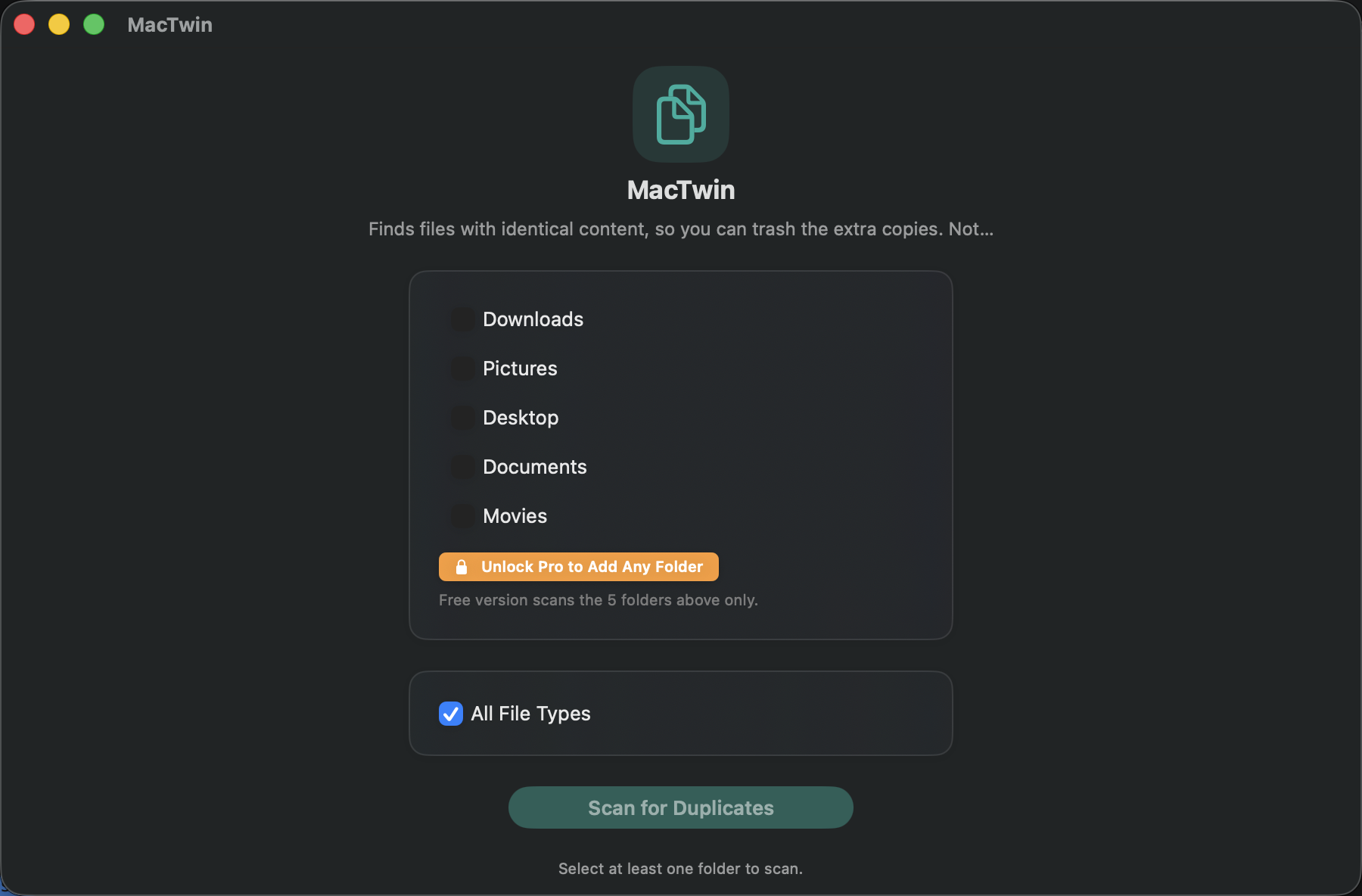
Five common folders, free — any folder, Pro
The filter narrows which files are even considered — it never changes how duplicates are found, so identical bytes with different extensions still correctly group together when no filter is set.
- Free: quick-select Downloads, Pictures, Desktop, Documents, Movies
- Pro PRO: add any custom folder, unlimited
- Optional file-type filter (Images/Videos/Audio/Documents presets + free-text extensions)
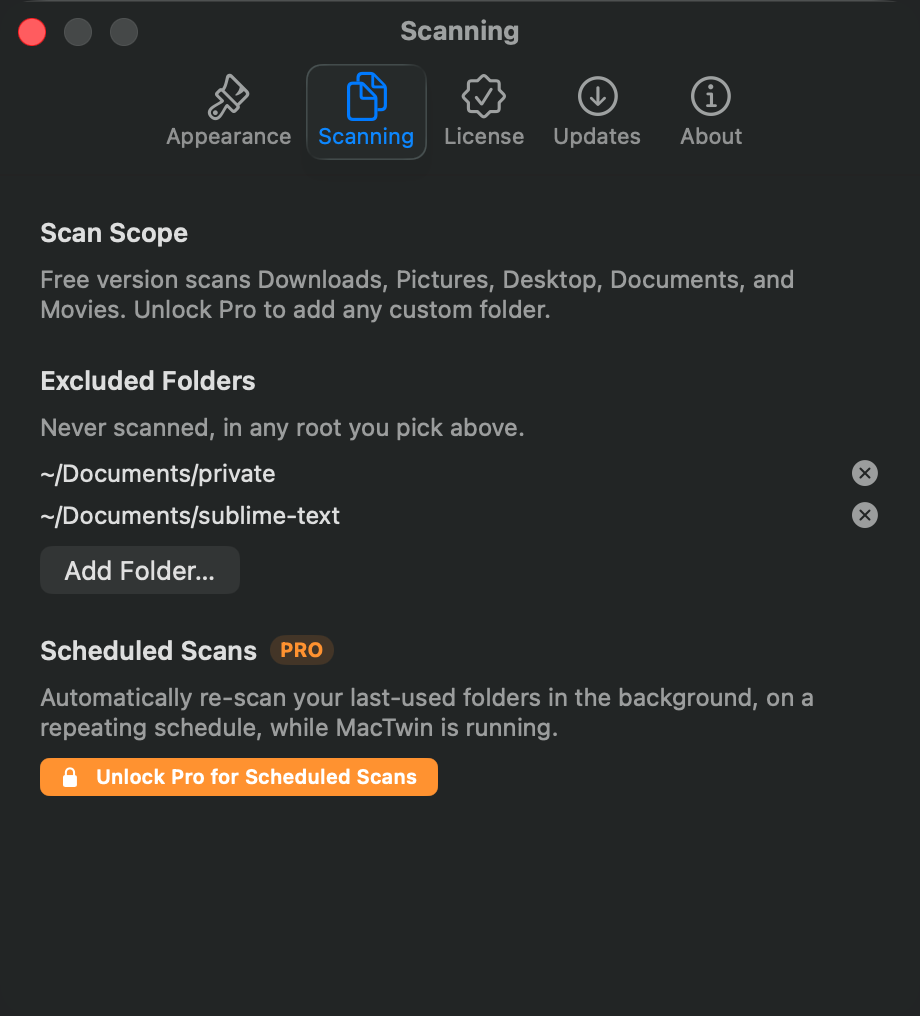
- Exclude any folder from scans PRO — from Settings, or right-click a result to exclude its folder directly
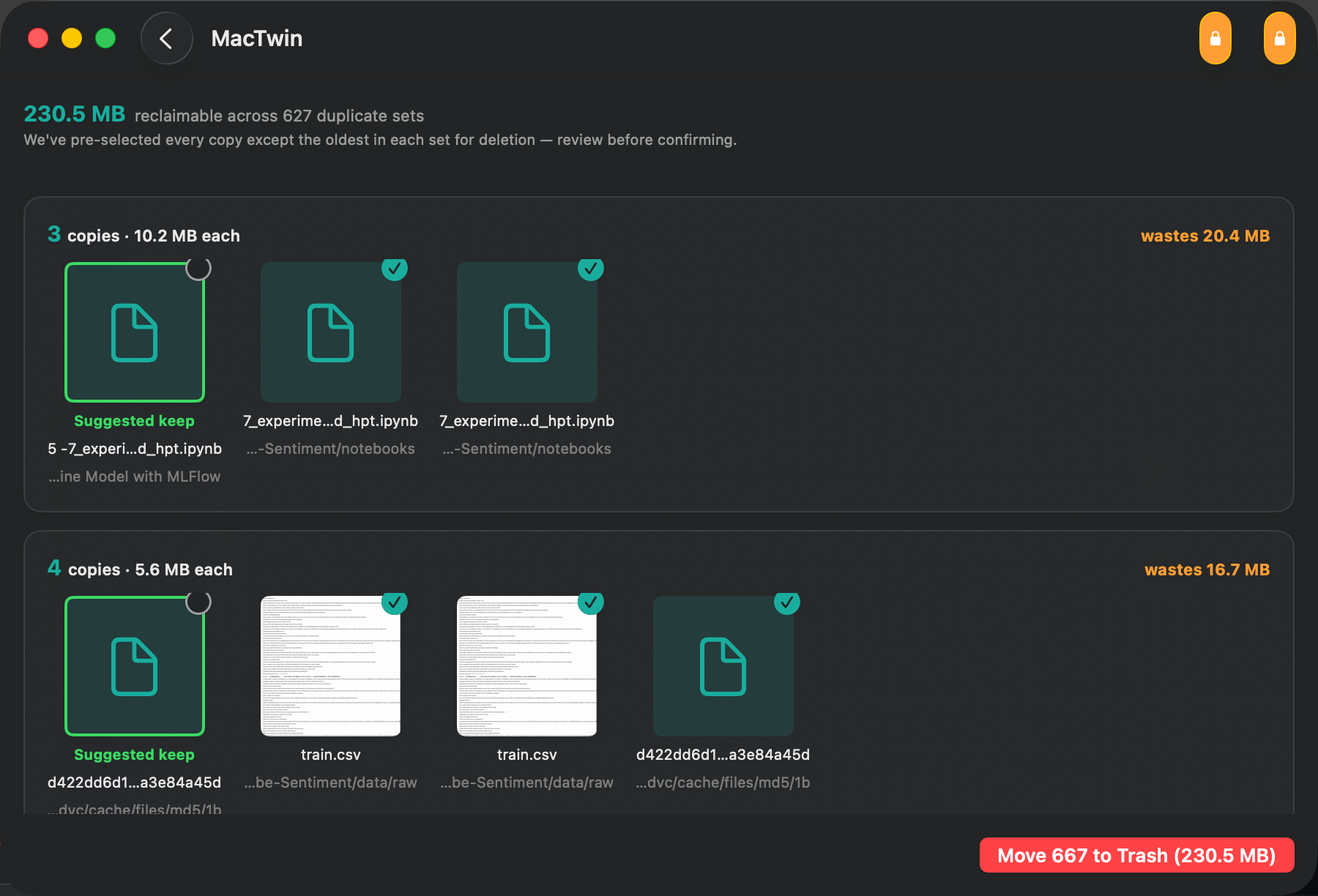
See the actual file before you trash it
Every duplicate set shows its suggested keeper (oldest, by default) with every other copy pre-checked for Trash — nothing is trashed until you confirm in the deletion sheet.
- Quick Look thumbnail per copy — images, PDFs, videos
- Sort the results by Size, Name, or Date
- Paths truncate to fit the card; hover for the full path
- Right-click to Copy Path, Reveal in Finder, or exclude that folder from future scans PRO
- Double-click a thumbnail to reveal it directly
Choose which copy survives PRO
The auto-select strategy only changes which copy is pre-checked for Trash — you can always override any individual file before confirming.
- Free: Keep Oldest (ties broken by shortest path)
- Pro: Keep Newest, or Keep Shortest Path
Export a record of what was found PRO
For anyone who wants a CSV they can archive or share, instead of just clearing duplicates and moving on.
- Export the full scan report as CSV
How it works
Try it free. Pay once, if Pro is worth it.
1
Pick folders and scan
The five common folders are free and unlimited — recursive walk, size-bucketed, then SHA-256 hashed.
2
Review with real thumbnails
Quick Look thumbnails per copy, oldest suggested as keeper, every other copy pre-checked.
3
Confirm — moves to Trash
One sheet shows the count and total size, then moves the checked copies to Trash. Recoverable until you empty it.
Pricing
Free forever, or unlock Pro
Free
$0
No trial timer, no nagging — works fully, forever
- Scan Downloads, Pictures, Desktop, Documents, Movies
- Quick Look review, Keep Oldest auto-select
- Move duplicates to Trash — unlimited, forever
- Works on any Mac, no account required
MacTwin Pro
$15 one-time
One purchase, yours forever — no subscription
- Everything in Free, plus:
- Any custom folder, unlimited
- Keep Newest and Keep Shortest Path strategies
- Export scan report as CSV
- Exclude folders from scans
- One license, up to 3 Macs
MacTwin Pro is a one-time $15 purchase via Polar.sh — instant checkout, license key emailed immediately.
FAQ
Questions people actually ask
How do I install it?
git clone the repo, run ./build.sh, then open MacTwin.app from /Applications. Requires the Xcode Command Line Tools.
Can something get permanently deleted by mistake?
Almost never by design — duplicates go to Trash, never a direct removeItem call, and nothing is trashed until you confirm the deletion sheet after reviewing every set.
Does it compare filenames or content?
Content, always. Two files are only called duplicates if their bytes match exactly — first a free size check, then a full streamed SHA-256 for anything that survives it.
Is MacTwin Pro available now?
Yes. It's a one-time $15 purchase via Polar.sh — checkout is instant and your license key arrives by email, ready to paste into Settings → License.
Does MacTwin send any of my data anywhere?
No — scanning and hashing all happen locally. Nothing about what's on your disk is ever uploaded.
Which Macs does it support?
macOS 13+, native Swift + SwiftUI, no Xcode project or SwiftPM package — swiftc-only build.
I lost my license key — how do I get it back?
Check your inbox for the receipt email from Polar.sh, sent the moment you bought MacTwin Pro — it has a link to Polar's customer portal, where your key is always available to view again. Can't find that email either? Use the contact form below with the email you paid with and we'll look it up.
How do I report a bug or request a feature?
Open an issue on the GitHub repo, or use the contact form below.
Start with the free tier — it's the whole safety-first loop
Download it now, no account needed. Custom folders, extra keeper strategies, CSV export, and excluded folders are MacTwin Pro features — a one-time $15 purchase, unlocked instantly.