The previous post covered the pattern this audit turns up almost every time — idle NAT gateways, orphaned EBS volumes, Reserved Instances nobody's tracking. This one is about the product itself: what the AWS cost audit actually is, what you get for the money, and how the pricing and process work end to end.
What actually runs
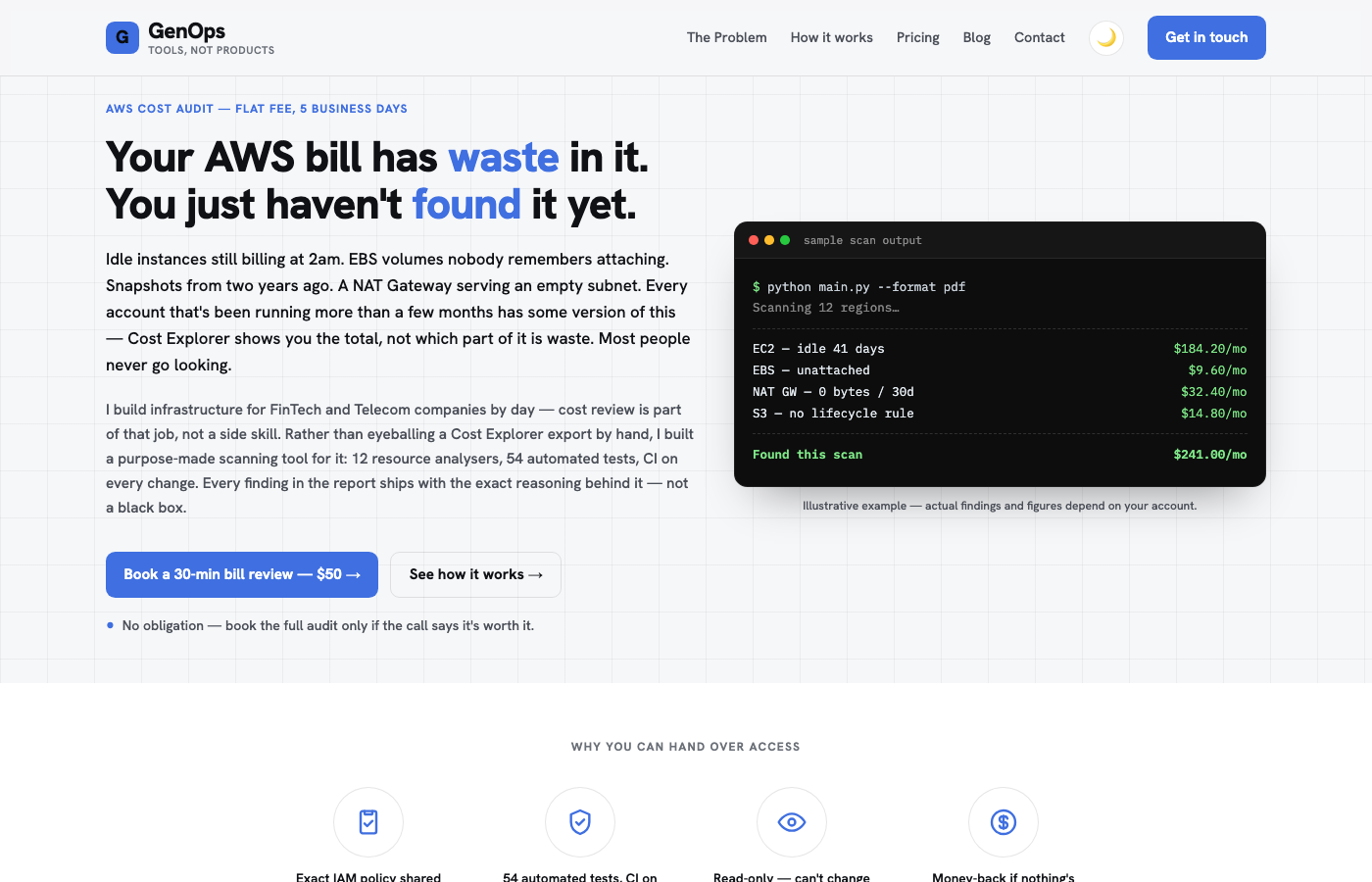
This isn't someone eyeballing a Cost Explorer export for an hour. It's a purpose-built scanning tool: 12 resource analysers covering compute, storage, networking, and reserved capacity, backed by 54 automated tests with CI running on every change to the tool itself — maintained like production software, not a one-off script that gets stale.
Every finding cross-references six months of Cost Explorer trend data, so a flagged resource isn't a guess based on a single snapshot — it's backed by the actual usage pattern over time.
The three-step process
1. Grant read-only access
A scoped IAM role built from a policy published in the repo — nothing hidden, nothing to trust blindly. It's a single scan, not a standing connection, so the role can be revoked the same day if you want.
2. Run the scan
All 12 analysers run across every enabled region in the account. Only Describe / List / Get calls — the audit cannot change anything in your account, by construction, not by promise.
3. Get the roadmap
A PDF report back within 5 business days. Every finding is tagged quick-win, strategic, or long-term, with a real dollar estimate attached — not a vague "consider reviewing this."
Pricing
| Tier | Price | What you get |
|---|---|---|
| Discovery call | $50 | 30 minutes, if you're not sure yet whether it's worth the full audit |
| Full audit | $300–$1,000 flat fee | Quoted on the call — production account(s), all enabled regions unless narrowed; non-production accounts included at no extra charge |
The deliverable is a PDF report plus an optional JSON export, plus the 30-minute walkthrough call. Payment is 50% to start, 50% on delivery — and if the report finds nothing actionable, it's a full refund. The risk sits on the audit, not on you.
If the report turns up more than you want to fix yourself, remediation is billed hourly ($50–$75/hr), scoped only after you've seen the results — never bundled in upfront.
Why read-only matters
A lot of cost-review offers ask for broad write access "to fix things faster." This one doesn't. Every fix ships as a documented step for you to run, or for remediation to run with your sign-off — nothing is auto-remediated. For a production AWS account, that's not a minor detail; it's the difference between an audit you can say yes to on a Tuesday and one that needs a change-review meeting first.
Who this is actually for
- An account that's been running more than a few months with nobody dedicated to watching the bill
- A team that suspects there's waste but doesn't have the bandwidth to hunt for it manually
- Anyone who wants a second opinion before a renewal or a Reserved Instance / Savings Plan commitment
It is not a replacement for an internal FinOps practice at real scale — it's a flat-fee, bounded engagement that tells you exactly where the money is, once, so you can decide what to do about it.
See what your own account is leaking. Book the $50 discovery call, or go straight to the full audit if you're already convinced.
📢 Have questions or feedback? Drop a comment below or connect with me on Twitter/X@spysood!